Building Datamaps
Manual / Code Mode
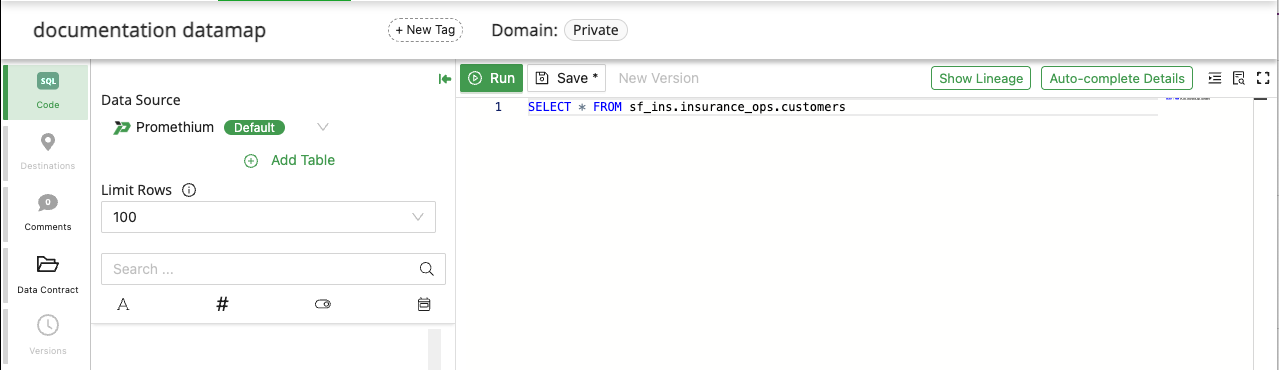
Code Mode allows advanced users to build and refine Datamaps using SQL.
Running a Query
The Run Query action allows users to validate the SQL logic applied before Version creation or instantiating a Datamap. Running a query helps confirm that the current SQL logic produces the expected results, schema, and performance characteristics.
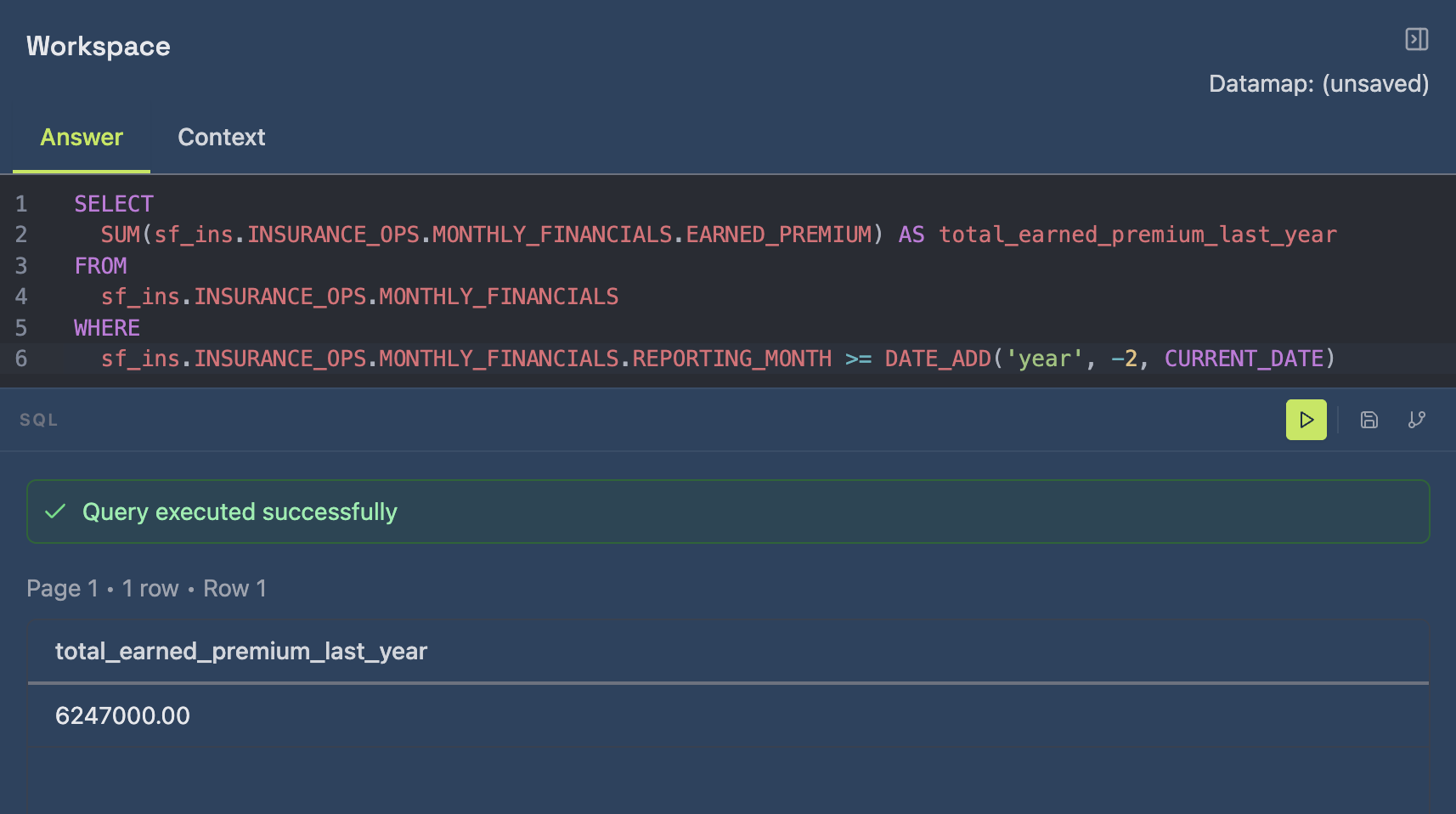
When users click Run, Promethium executes the generated SQL and displays the output in the Results section.
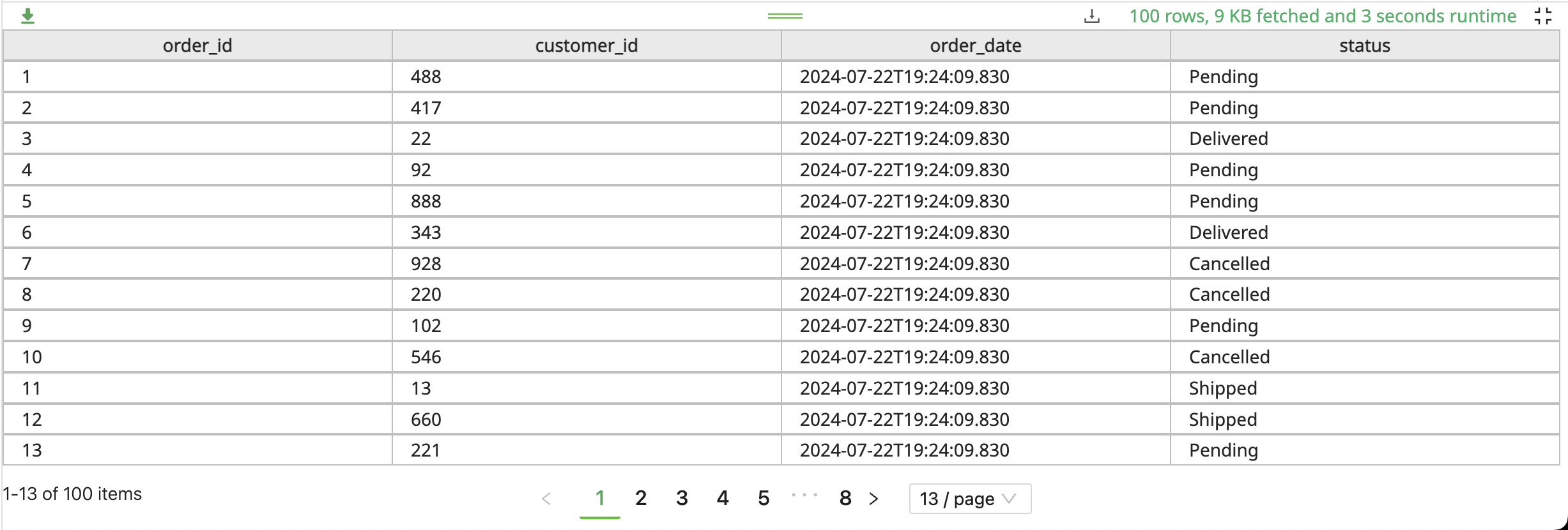
The Results view includes:
-
Preview Table
A tabular output of the query result (limited sample or full result depending on warehouse configuration). -
Execution Metadata
Information about the query execution, such as:- Number of rows returned (e.g., 100 rows)
- Result size (e.g., 9 KB fetched)
- Runtime duration (e.g., 3 seconds)
-
Export Options
Users can export the result set as a CSV file for additional validation, debugging, or offline analysis.
Saving a Datamap
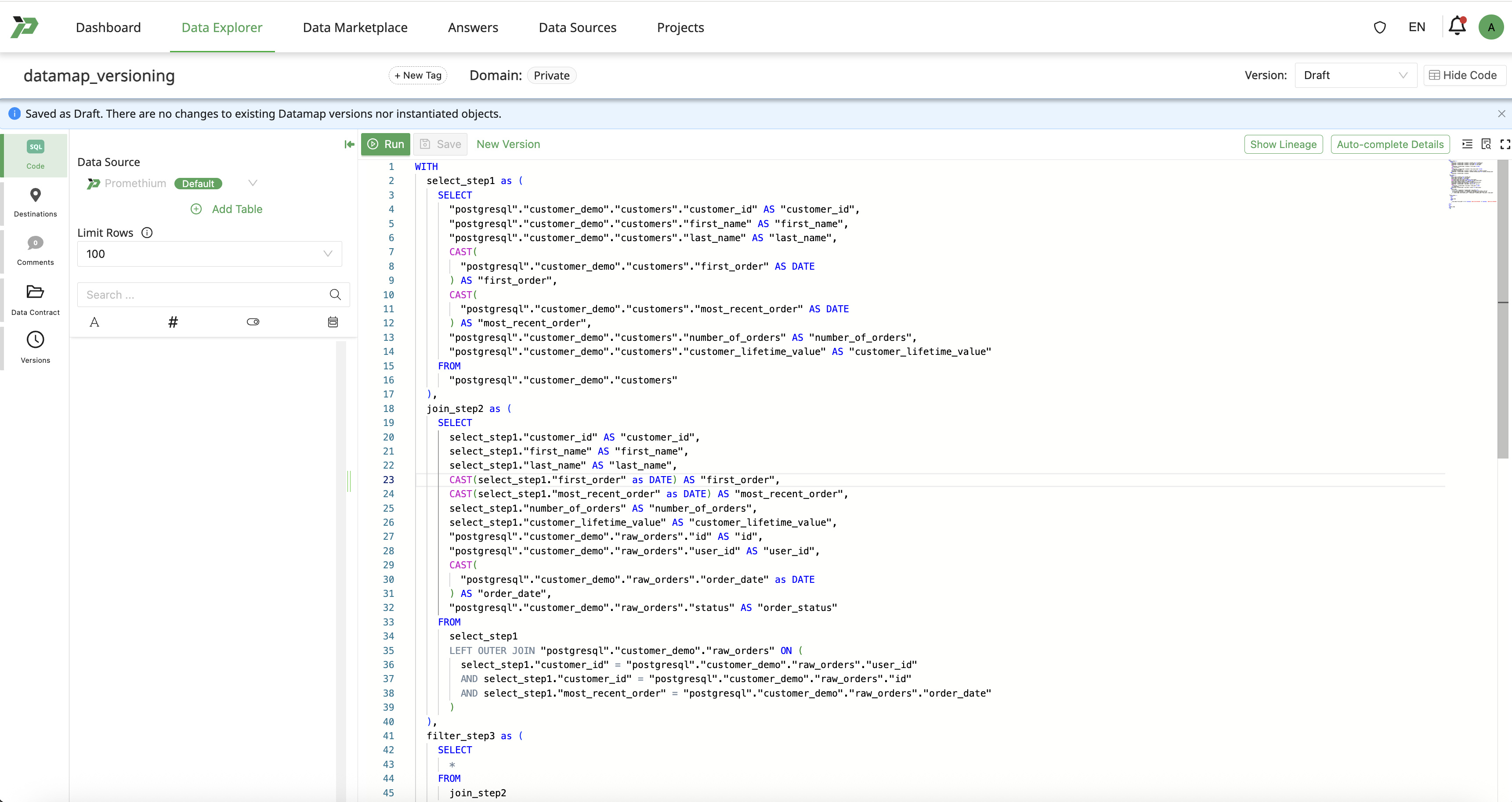
Users can save a Datamap by clicking on the Save button. This will save the Datamap in a draft state.
“Saved as Draft. There are no changes to existing Datamap versions nor instantiated objects.”
-
Version selector displays Draft and this indicates the Datamap state as Draft.
-
The draft state of a Datamap:
- Is editable
- Is not yet visible as a Marketplace-ready asset
- Does not impact existing consumers using the instantiated version
Users may continue iterating on the draft state of Datamap without restriction.
Create Version
Once a Datamap is configured and validated, users can create a version and instantiate it as a table or view.
Mantra
Mantra can assist a user to build a datamap using natural language.
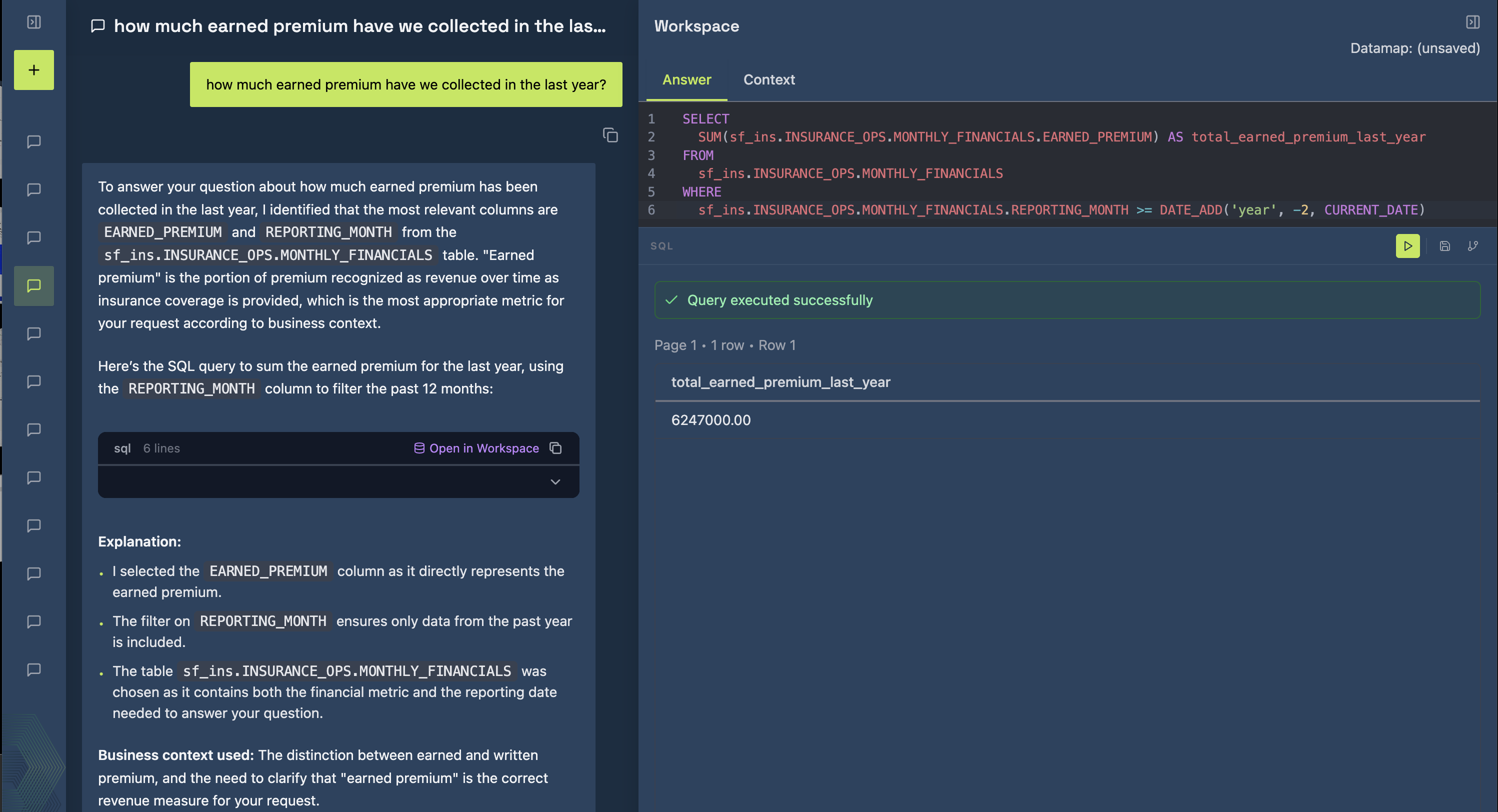
When users click Run, Promethium executes the generated SQL and displays the output in the Results section of the Workspace. The full capabilities of a Workspace are outlined in a dedicated section.
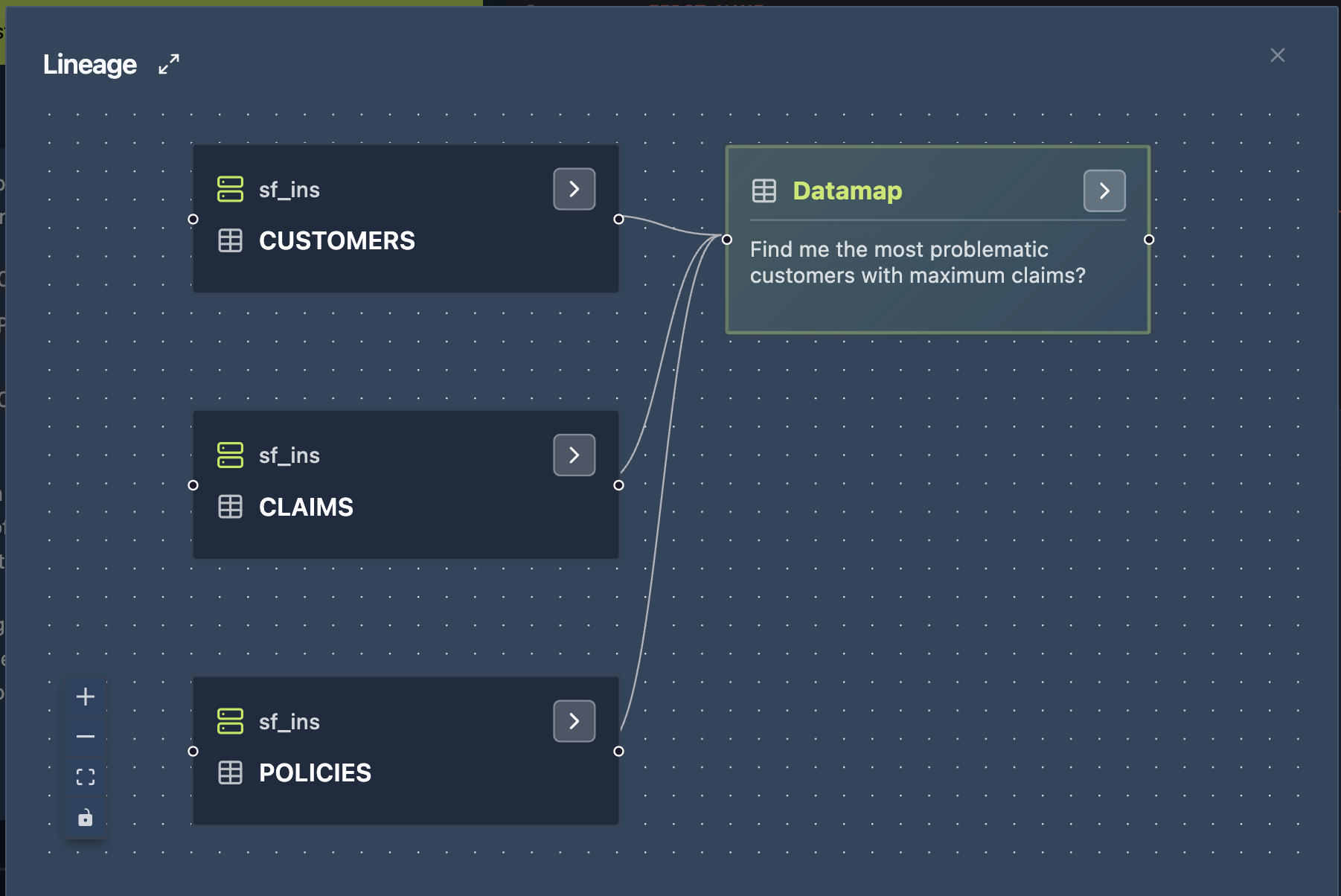
The Lineage section of the workspace displays a visual representation of the SQL query.